

Most GeneXus apps eventually need somewhere a user can format text — a notice body, a report description, an email template. The default long-varchar attribute doesn't do that. GX Trumbowyg Editor does: it wraps the Trumbowyg jQuery plugin as a GeneXus user control, so you get a clean, mobile-responsive WYSIWYG editor with a couple of clicks, not a custom HTML/JS integration.
What it does
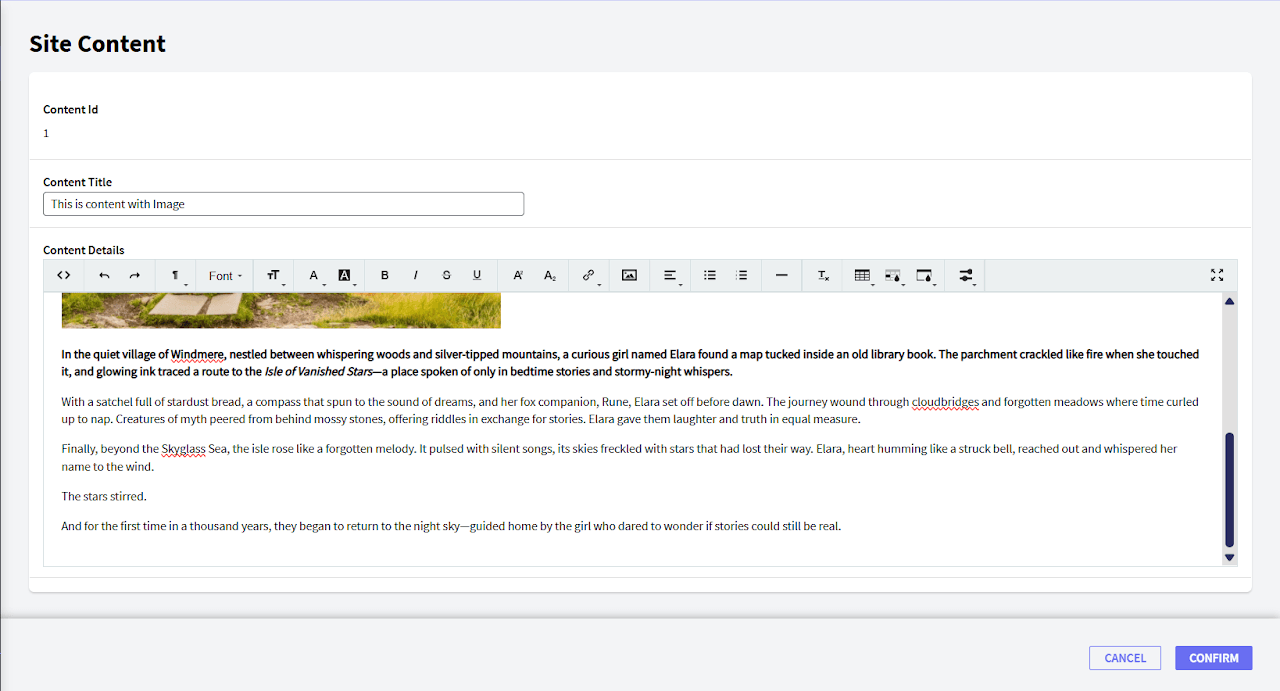
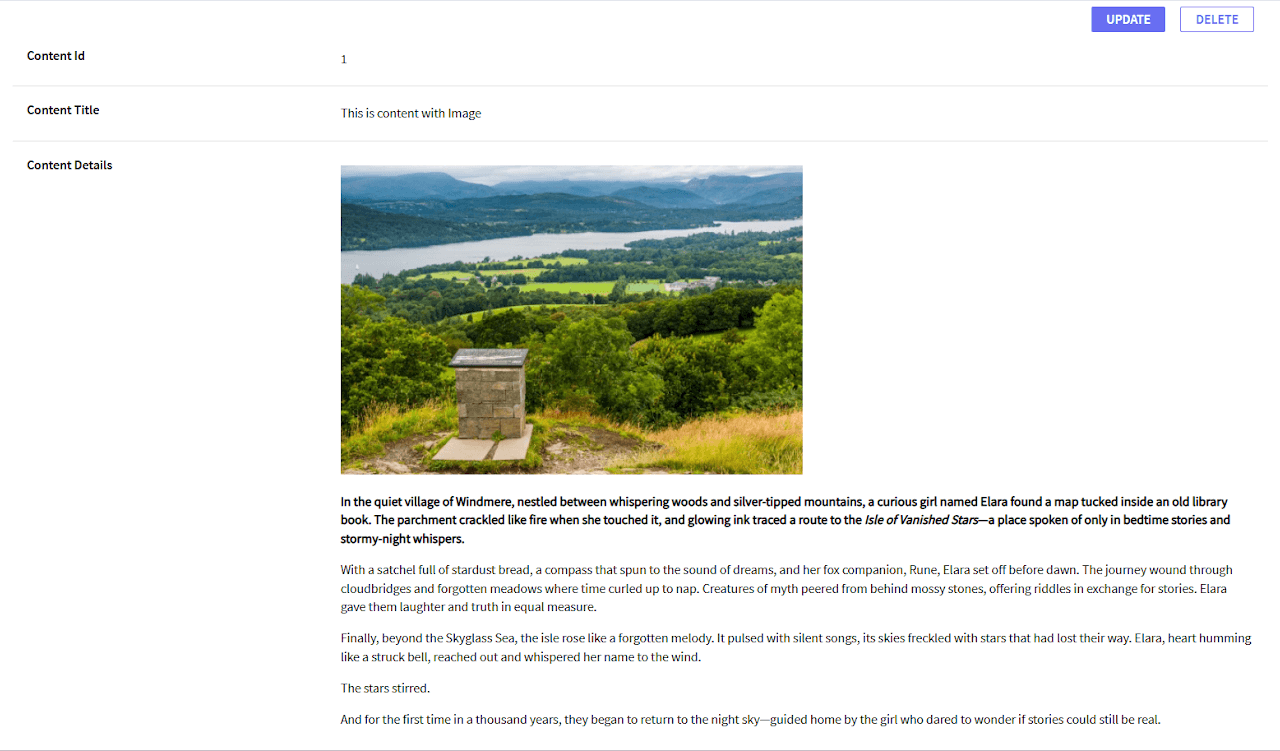
The control renders as a rich text editor that outputs HTML, and it plugs in two ways: as a standalone User Control on a Web Panel, or as the Control Type on a character/longvarchar attribute — so an existing form field can become a rich editor without restructuring the panel around it. It ships in multiple languages and is built to be lightweight rather than a full CMS-grade editor.
What it looks like
Installing it
- Download
Trumbowyg_V1.1.xpzfrom the GitHub repo. - Knowledge Manager → Import, select your KB, Load, then Import, and pick the
.xpz. - Either drag
UCTrumbowygEditoronto a Web Panel from the Toolbox, or set an attribute's Control Type property toUCTrumbowygEditordirectly.
Configuration
Four properties control how it renders:
- FullWidth — boolean, stretches the editor to its container
- Width / Height — numeric, for a fixed size instead
- Toolbar —
Basic/Standard/Advanced, default